Coming to Kickstarter . . .
SCIP
The Spatial Computing
Input Peripheral
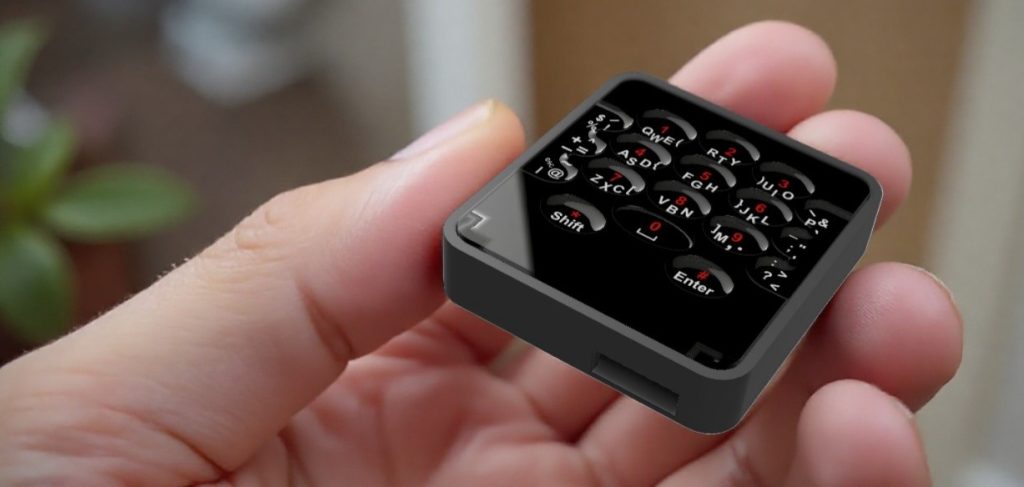
The Key Pointer is first in a family of products incorporating Keytouch Technologies’ patented Directional Touch™ Micro Keyboard. It is a computer input peripheral designed for spatial computing that combines a keyboard and a cursor controller into a single handheld device. The Key Pointer features a familiar QWERTY layout making it easy to learn and its tactile touch surface allows for eyes-free operation and fast touch type input.
How it Works
To type, hold the SCIP in one hand and brush touch targets with your thumb. Brush up, down, left or right on keyboard targets to type letters and numbers. Brush up, down or inward on edge targets to type special characters. The arrangement of the characters printed on the targets indicates brush direction.
Additional special characters are typed by sliding from one target to another.
To control the cursor, move the device while touching below the targets. Tap to click. Tap and hold to drag.
A keyboard for whenever you’re not at your desk.
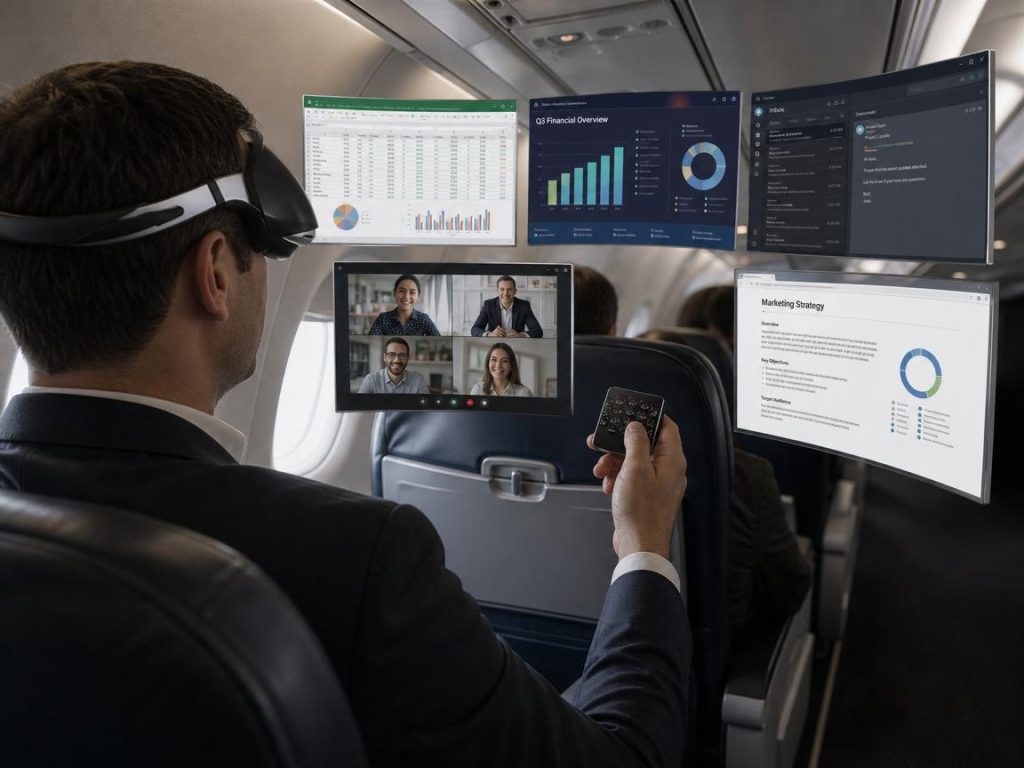
SCIP (Spatial Computing Input Peripheral)
The SCIP is an input device for the spatial computer. Designed to complement spatial computing headsets, the SCIP combines a Directional Touch Micro Keyboard with a cursor controller. It features fast input and precise cursor control for a near desktop level experience, but without the need for a desk surface.
Key Remote
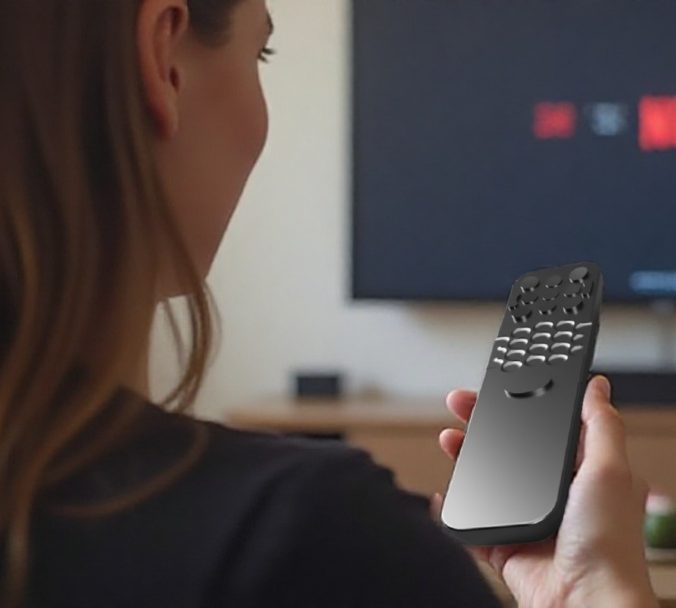
The Keytouch Technology Key Remote gives you access to a keyboard and cursor controller for your TV that you can use while reclining on your couch. A Micro Keyboard replaces the D-Pad operated on-screen keyboard for fast and efficient text entry.
Plug your TV into a Mini PC to create a large screen computer that lets your work from your couch.
Key Watch
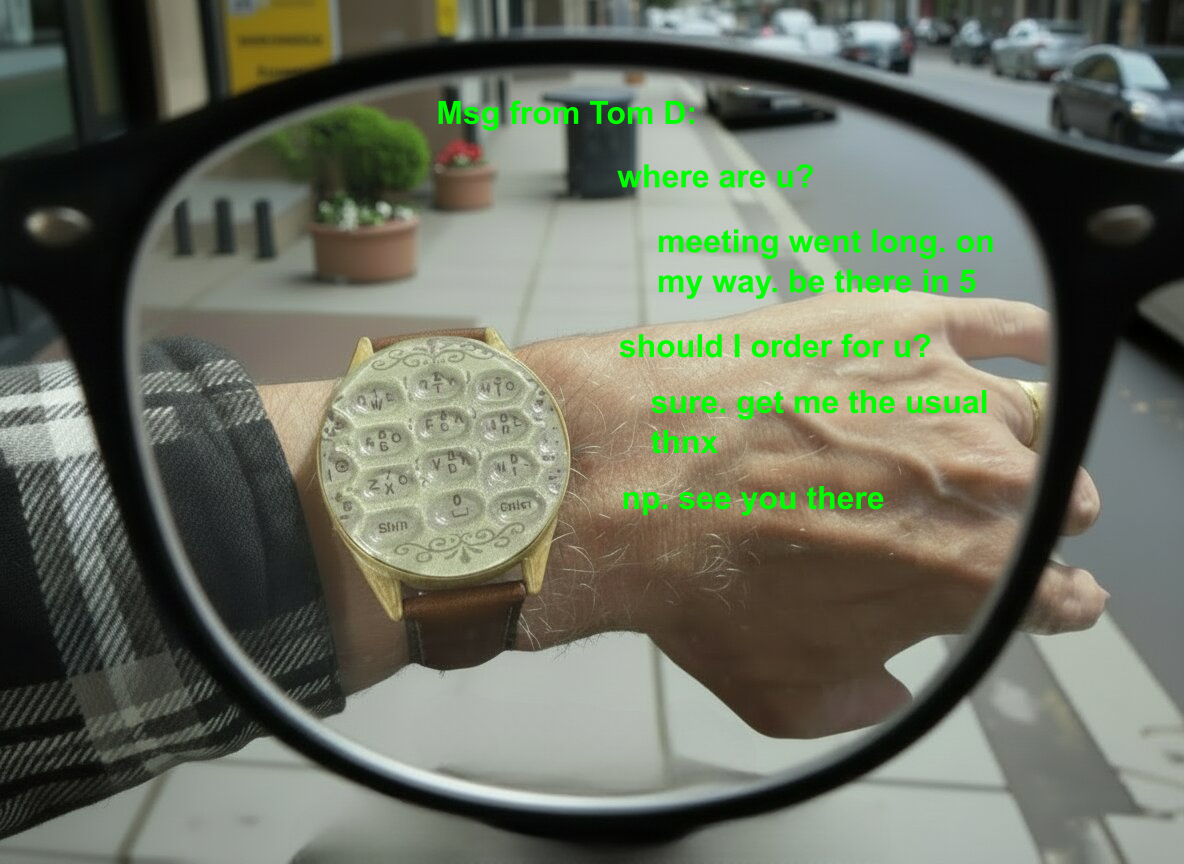
Smart display glasses become more useful with a wearable keyboard. A wrist worn micro keypad used with smart display glasses provides an alternative to a smartphone. These technologies working together make it possible to send texts, respond to emails and search the web without ever taking your phone out of your pocket.
The Keytouch Micro Keyboard with patented Tactile Directional Touch™ technology.
Easy to Learn
The familiar QWERTY keyboard layout and easy-to-learn directional gestures mean you will be typing in minutes.
Fast
The micro keyboard is designed for speed and productivity. Tactile, fixed position targets make touch typing speeds in excess of 40 wpm possible.
Micro Sized
The Micro Keyboard is a mere 40mm wide making it the smallest QWERTY keyboard in the world.
Touch Type
Just like with a desktop keyboard, typing can become automatic, reducing cognitive load and allowing you to focus your full attention on your work.
Ubiqutous
The micro keypad technology will be available for licensing so expect to see it showing up on dozens of devices from handheld inventory scanners to cell phones.
Wearable
The Keytouch Wristpad is a Directional Touch™ technology keyboard in a wristwatch form-factor. The perfect companion to display eyewear.